#30
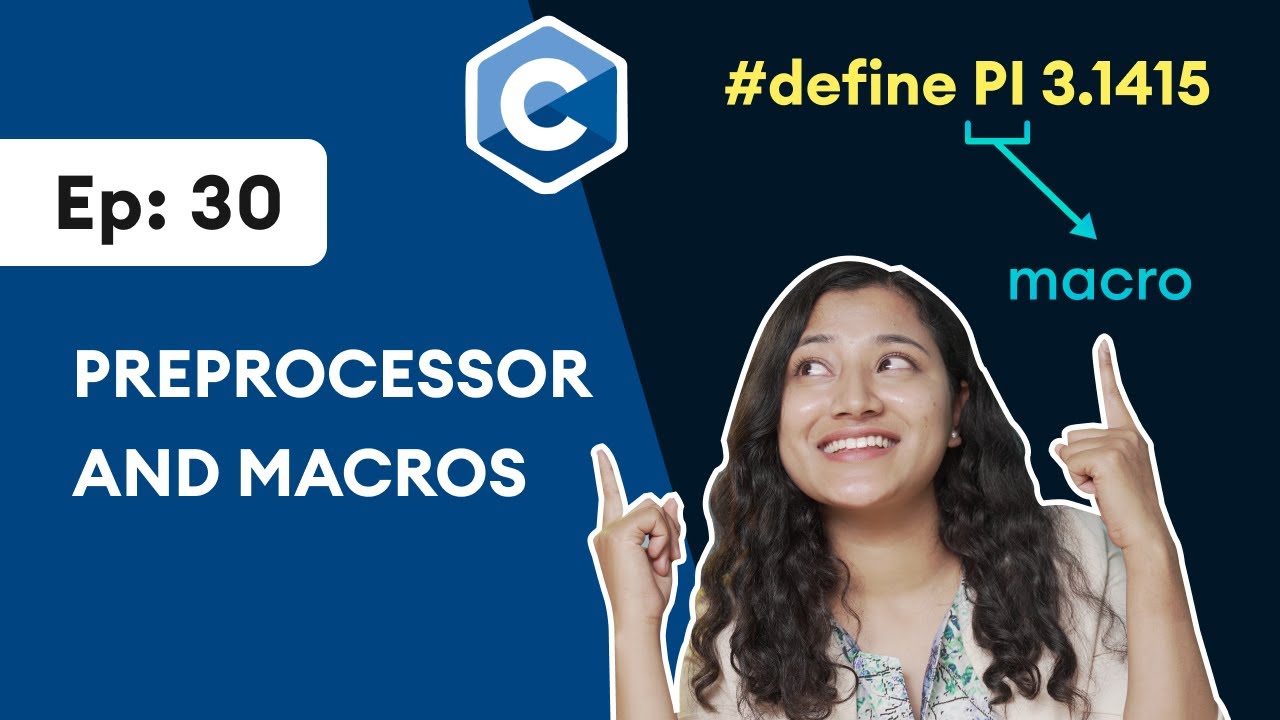
#30: Preprocessor and Macros | C Programming for Beginners
In this video, we will learn about preprocessors and macros. We have been using preprocessor in all our programs. Similarly, we will learn about macros, macros are a piece of code that is given some name. For example, #define PI 3.1415, here PI is a macro. So, from this video, you will know the exact meaning and use of preprocessor and macros with specific examples.
Sign Up to get 50% off with this link: https://app.programiz.pro/signup?utm_source=social&utm_medium=youtube
This video is a part of our C Programming video series: https://www.youtube.com/watch?v=KnvbUiSxvbM&list=PL98qAXLA6aftD9ZlnjpLhdQAOFI8xIB6e
~
Resources:
C Online Compiler: https://www.programiz.com/c-pr....ogramming/online-com
Github File: https://github.com/programiz/c-youtube
C (title) Tutorial (text-based tutorial): https://www.programiz.com/c-pr....ogramming/c-preproce
Timestamps:
00:55 - #include Preprocessor
04:24 - #define Preprocessor
06:45 - Define Function Macros
07:59 - Programming Task
08:42 - Quiz
Revise your learning using our C App
Download here for Android: https://bit.ly/3upaInx
Download here for iOS: https://apple.co/3EZLtNq
Find Programiz elsewhere:
Programiz PRO: https://programiz.pro/
Website: https://www.programiz.com
Discord: https://discord.com/invite/programiz
Facebook: https://www.facebook.com/programiz
Instagram: https://www.instagram.com/_programiz/
LinkedIn: https://www.linkedin.com/company/programiz
Twitter: https://twitter.com/programiz
#programiz #preprocessor #macros #c #include #define #cprogramming

Python has a module named datetime to work with dates and times.
🔥 Want to learn Python, the right way? Get my interactive Python course: https://bit.ly/right-python
Even though date and time may seem simple and straightforward in our daily use cases, they can be challenging to implement in our code because we have to keep a record of things such as different date and time formats, different time zones and so on. Fortunately, Python provides a built in datetime module to simplify this task.
In this video, we will use the datetime module to manipulate date and time in Python with the help of examples.
~
Run Python Online: https://www.programiz.com/pyth....on-programming/onlin
Programs in this video: https://github.com/programiz/p....ython-course/blob/ma
Python datetime module (text-based tutorial): https://www.programiz.com/pyth....on-programming/datet
Python strftime() method (text-based tutorial): https://www.programiz.com/pyth....on-programming/datet/strftime
Python strptime() method (text-based tutorial): https://www.programiz.com/pyth....on-programming/datet/strptime
Python time module (text-based tutorial): https://www.programiz.com/python-programming/time
Watch our videos and revise them with our Python App!
Download here for Android: https://bit.ly/learn-python-android
Download here for iOS: https://apple.co/3iPm6Sx
Timestamps:
0:00 Intro
0:24 Get Current Date
1:35 The datetime.date Class
3:36 The datetime.time Class
6:00 The datetime.datetime Class
8:18 Getting Current Date and Time
9:26 The datetime.timedelta Class
11:12 Python strftime() method
14:25 Python strptime() method
Find Programiz elsewhere:
Facebook: https://www.facebook.com/programiz
Instagram: https://www.instagram.com/_programiz/
LinkedIn: https://www.linkedin.com/company/programiz
Website: https://www.programiz.com
-------------------------------------------------
datetime Module (How to Work with Date & Time in Python) #30
#programiz #python #learnprogramming #pythonforbeginners #dateandtimeinpython

#html #css #course
⭐ TIME STAMPS ⭐
#1 00:00:00 Introduction to HTML 🌎
00:01:56 VSCode download
00:02:38 project folder setup
00:02:57 index.html
00:03:16 live server extension
00:03:35 html basics
#2 00:11:07 hyperlinks 👈
#3 00:15:15 images 🖼️
#4 00:21:33 audio 🔊
#5 00:26:49 video 🎥
#6 00:31:20 favicons 🗿
#7 00:34:19 text formatting 💬
#8 00:38:10 span & div 🏁
#9 00:42:57 lists 📄
#10 00:49:31 tables 📊
#11 00:54:13 buttons 🔘
#12 00:59:28 forms 📝
#13 01:17:22 headers & footers 🤯
#14 01:23:10 Introduction to CSS 🎨
#15 01:31:10 colors 🖌️
#16 01:35:22 fonts 🔤
#17 01:42:42 borders 🖼
#18 01:47:09 shadows 👥
#19 01:50:27 margins ↔️
#20 01:55:41 float 🎈
#21 02:00:08 overflow 🌊
#22 02:03:31 display property 🧱
#23 02:07:43 height and width 📏
#24 02:14:37 positions 🎯
#25 02:21:00 background images 🏙️
#26 02:24:15 combinators ➕
#27 02:29:12 pseudo-classes ☟
#28 02:36:50 pseudo-elements ✔
#29 02:42:46 pagination 🕮
#30 02:51:44 dropdown menus 🔻
#31 02:58:19 navigation bar 🧭
#32 03:04:46 website layout 🗺️
#33 03:14:13 image gallery 📷
#34 03:19:50 icons 🐤
#35 03:28:23 flexbox 💪
#36 03:38:23 transformations 🔄
#37 03:47:23 animations 🎬
Copyright Disclaimer:
This video is the intellectual property of Bro Code. All rights reserved. No part of this video may be reproduced, distributed, or transmitted in any form or by any means, including but not limited to recording, uploading, or other electronic or mechanical methods, without my written permission, except in the case of brief quotations embodied in critical reviews and certain other noncommercial uses permitted by copyright law.